CA
Freemium
FEATURED
CapCut AI
AI creative video maker
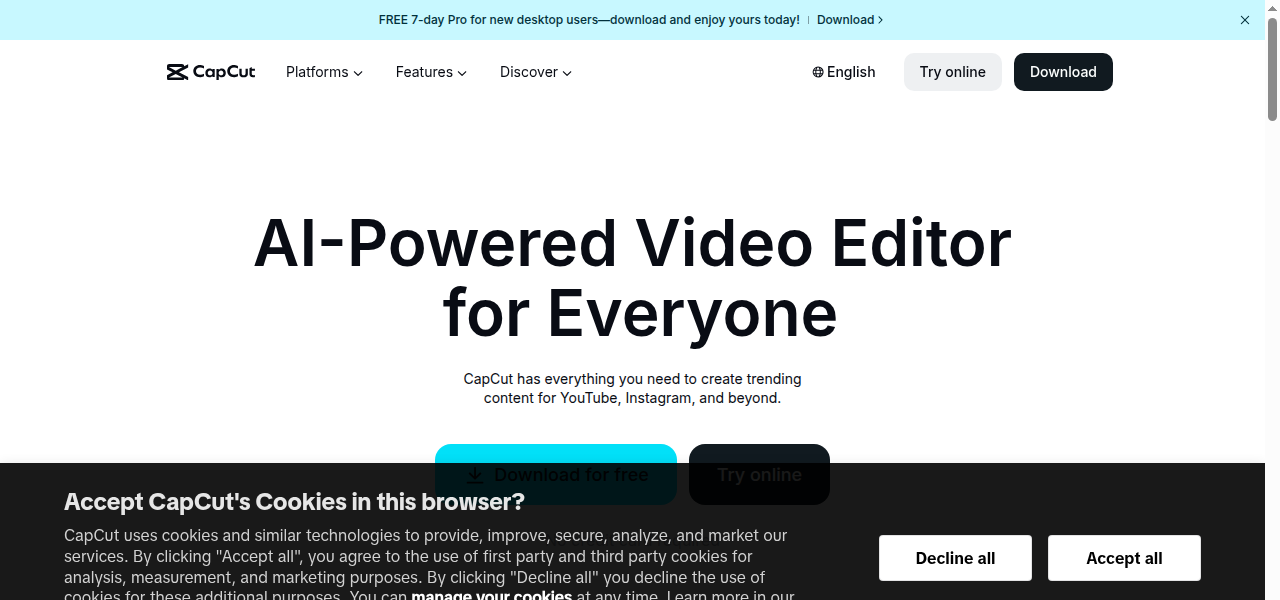
Auto-generated snapshot
CapCut includes AI tools for auto‑edit, motion effects, and text‑to‑video features optimized for social formats.
PROS
- + Robust free tier with core editing functionality and a generous asset library
- + Advanced AI tools like auto-captions
- + motion tracking
- + and background removal available in Pro
- + Intuitive
- + user-friendly interface suitable for both beginners and experienced editors
- + Optimized for popular social media formats and trends with ready-made templates
- + Available across mobile
- + desktop
- + and web platforms for cross-device editing
CONS
- - 4K export and many premium assets/AI tools require a CapCut Pro subscription
- - Free version may limit export resolution to 1080p and include watermarks on certain effects
- - Pricing for the Pro tier can vary depending on region and platform (mobile vs. web)
-
Creating short-form video content for platforms like TikTok
-
Reels
-
and Shorts
-
Generating AI-powered auto-captions for vlogs and tutorials automatically
-
Removing video backgrounds and creating cutouts without a green screen
-
Producing marketing videos and social ads using ready-made templates
-
Converting text prompts into video clips or generating AI models for products
SIMILAR TOOLS
KO
Komodo Health
Healthcare data analytics platform for patient journey tracking.

NVIDIA Clara
AI framework for imaging, genomics, and smart hospitals.

Libre Assist
AI-powered meal-planning tool for diabetes management.

Pharma.AI (Insilico Medicine)
Generative AI platform for drug discovery and aging research.