Google NotebookLM
NotebookLM is an AI-powered research assistant and note-taking tool by Google that uses the Gemini model to analyze your specific uploaded documents, allowing you to summarize, query, and transform complex information into study guides, podcasts, or briefings.
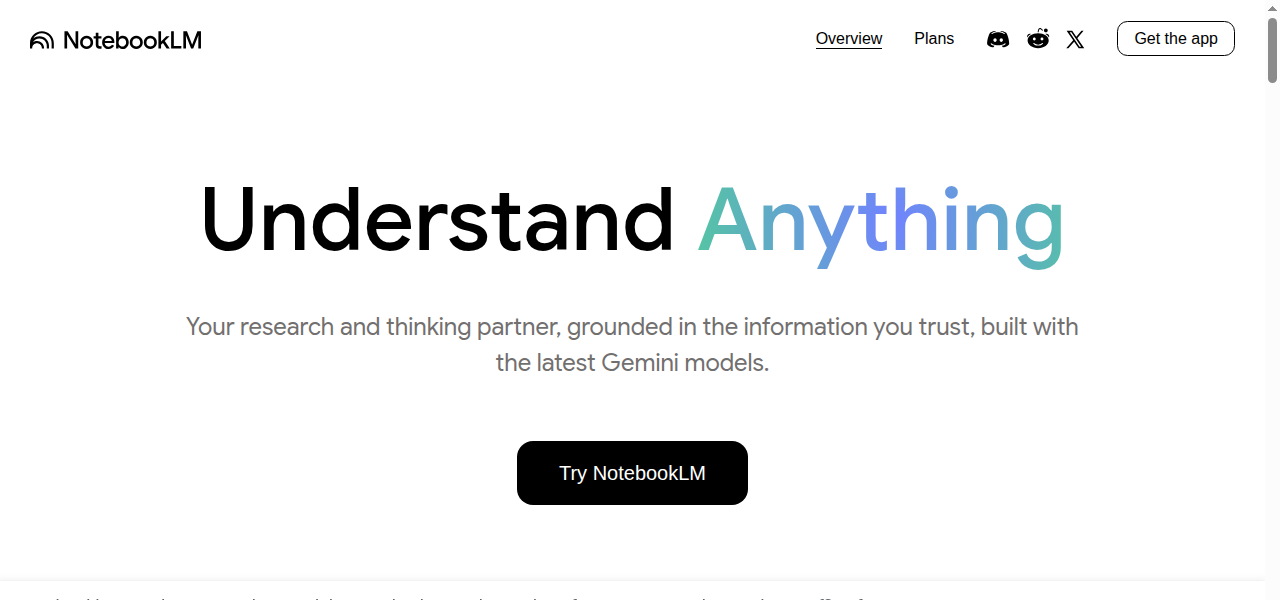
NotebookLM (formerly Project Tailwind) is a personalized AI research companion designed to help users synthesize and understand information from their own selected sources. Unlike general AI chatbots that pull answers from the vast internet, NotebookLM is "grounded" in the specific documents you upload—such as PDFs, Google Docs, Slides, web URLs, and even YouTube videos—ensuring that its answers and insights are directly relevant to your material.
Key Features & Capabilities:
Grounded Answers: You can ask questions about your documents, and the AI will provide answers with inline citations, showing you exactly where in your text the information came from.
Audio Overviews: One of its most popular features, this tool converts your uploaded documents into an engaging, "Deep Dive" podcast-style conversation between two AI hosts who summarize and debate the key points of your material.
Multimodal Inputs: It supports a wide range of source types, including text, slides, charts within PDFs, and audio files.
One-Click Tools: Users can instantly generate summaries, briefing documents, FAQs, timelines, and study guides (including flashcards and quizzes) based on their source material.
Privacy-First: Google states that the data you upload to NotebookLM is private and is not used to train its wider AI models.
PROS
- + Outputs are "Grounded" in your specific uploaded sources
- + drastically reducing hallucinations and improving trustworthiness for research.
- + Provides inline citations for every answer
- + allowing users to easily verify information back to the original source.
- + Excellent for multi-document synthesis
- + allowing users to compare viewpoints and generate integrated briefs across many files.
- + Unique and highly-praised Audio Overviews feature (AI-generated podcast) for listening to content on the go.
- + Offers a free tier with generous limits for sources and notebooks.
- + Supports a wide range of input types: PDFs
- + Google Docs
- + Slides
- + web URLs
- + YouTube videos
- + and audio files.
CONS
- - Limited control over citation formatting and final export options for power users.
- - Not a general-purpose content creator; it is not designed to create content like blogs
- - images
- - or code.
- - Struggles to intelligently parse complex images
- - charts
- - or tables within documents.
- - Currently lacks the ability to connect different "Notebooks" for research that spans across multiple projects.
- - The free version has daily limits on chat queries and audio generations.
- - Batch-uploading multiple files can be difficult or limited.
-
Synthesizing literature reviews and research papers for academic projects and thesis work.
-
Creating comprehensive study guides
-
flashcards
-
and quizzes from lecture notes or textbooks for students.
-
Drafting detailed briefing documents
-
FAQs
-
or reports from internal company documents
-
meeting notes
-
and customer feedback for product managers or analysts.
-
Analyzing legal or technical specifications to extract key concepts
-
terms
-
and cross-reference information across multiple documents.
-
Creative writing and world-building by uploading manuscripts or notes to check for plot/character consistency and brainstorm new ideas.
-
Fact-checking and verifying information by quickly locating exact quotes and details within a private
-
curated set of sources.

