
Freemium
FEATURED
VEED.IO
AI video editor with generator features
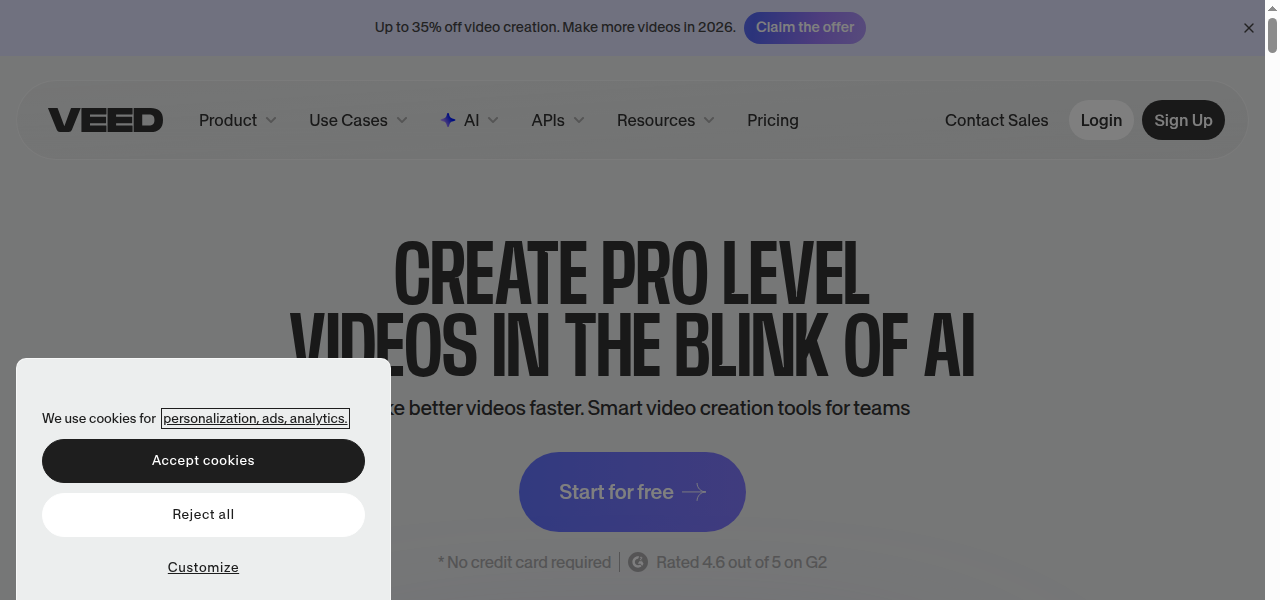
Auto-generated snapshot
VEED.IO combines traditional editing tools with AI capabilities like text‑to‑video, auto subtitles, and collaborative workflow features.
PROS
- + User-friendly
- + browser-based interface accessible to beginners
- + Strong suite of AI features
- + including auto-subtitles
- + clean audio
- + and eye contact correction
- + All-in-one platform for editing
- + recording
- + and transcription
- + eliminating the need for multiple tools
- + Collaboration features for team workflows on video projects
- + Offers a permanent free plan to test basic features
CONS
- - Free plan exports are limited to 720p
- - 10 minutes
- - and include a VEED.IO watermark
- - Users may experience performance issues like buffering and lag with longer or high-resolution videos
- - Customization options are more limited compared to professional
- - desktop-based editing software
-
Generating short video ads for social media from text prompts
-
Automatically adding highly accurate subtitles and captions to vlogs or interviews
-
Creating training videos or online course content with screen recording and editing
-
Repurposing long-form content into shorter
-
subtitled clips for platforms like TikTok and Reels
-
Producing talking-head videos using AI avatars and text-to-speech for marketing
