
Freemium
FEATURED
VEED.IO
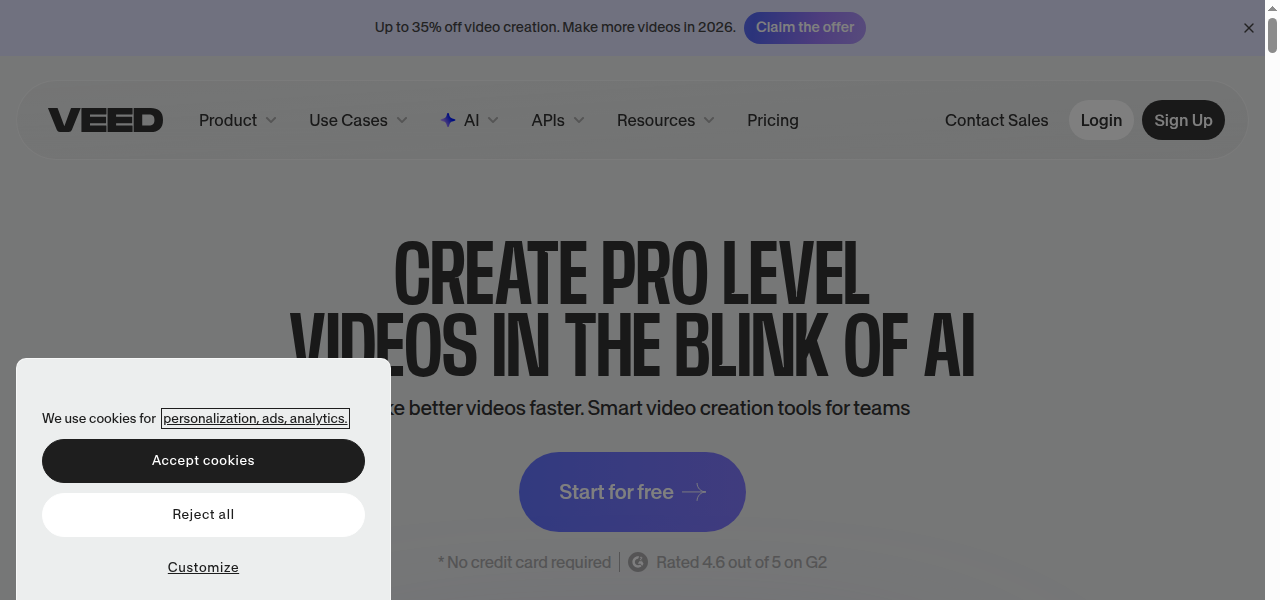
AI video editor with generator features
Auto-generated snapshot
VEED.IO combines traditional editing tools with AI capabilities like text‑to‑video, auto subtitles, and collaborative workflow features.
PROS
- + User-friendly
- + browser-based interface accessible to beginners
- + Strong suite of AI features
- + including auto-subtitles
- + clean audio
- + and eye contact correction
- + All-in-one platform for editing
- + recording
- + and transcription
- + eliminating the need for multiple tools
- + Collaboration features for team workflows on video projects
- + Offers a permanent free plan to test basic features
CONS
- - Free plan exports are limited to 720p
- - 10 minutes
- - and include a VEED.IO watermark
- - Users may experience performance issues like buffering and lag with longer or high-resolution videos
- - Customization options are more limited compared to professional
- - desktop-based editing software
-
Generating short video ads for social media from text prompts
-
Automatically adding highly accurate subtitles and captions to vlogs or interviews
-
Creating training videos or online course content with screen recording and editing
-
Repurposing long-form content into shorter
-
subtitled clips for platforms like TikTok and Reels
-
Producing talking-head videos using AI avatars and text-to-speech for marketing
SIMILAR TOOLS
KL
Kling3AI
A free AI video generator featuring advanced motion control and native 4K output. Seamlessly create realistic, high-fidelity videos from text prompts or static images.
KO
Komodo Health
Healthcare data analytics platform for patient journey tracking.

NVIDIA Clara
AI framework for imaging, genomics, and smart hospitals.
HA
Haiper AI
Video Generation